Ingrain
A terminal app that teaches Rust and Go by making you type the code by hand. Courses, ghost typing, quizzes and fill-in-the-blank for programmers who already code, with no AI at runtime.
Timeline
In development
Team
Solo developer
Role
Creator & Developer

Overview
Ingrain is a terminal app that teaches Rust and Go the old-fashioned way: you type every character. Code shows up faded on screen, you type over it, and a short note explains each piece. I built it because AI coding agents atrophied my brain: I forgot what writing code by hand feels like, and I couldn't learn Rust or Go by only prompting.
The Challenge
The challenge was making Ingrain scale on content. A language has dozens of courses and every course dozens of modules, each with its own exercises. If every one of them needed code, the app would grow as fast as the content and become impossible to maintain.
The Solution
The app contains no lessons. Courses, modules and exercises are JSON files that the app reads and renders, so adding a course means adding files, never changing code. Claude skills generate those JSON files from the course scope, so the content grows without me writing it by hand.
Tests keep that safe. Before any change to the content is accepted, a test loads every file with the app's own serde data model and checks it, so the app can always parse what the skills produce. A malformed course fails the test suite instead of failing in front of a learner.
Why Ingrain exists
AI coding agents atrophied my brain. I forgot what it feels like to write code by hand, and when I tried to learn new languages like Rust and Go by building projects only with AI, nothing stuck: the agent wrote the code, so I never learned the language.
Ingrain brings the typing back. Courses teach Rust and Go by having you type every character, with the code shown faded and a short note under each piece. It's written for programmers who already code, so it skips what every language shares and spends the time on what this one does differently.
Typed, not read
Every Ingrain exercise is typed by hand. The code appears faded on screen, you type over it, and a short note under each piece says what it does and why. Your fingers learn the language, not only your eyes.
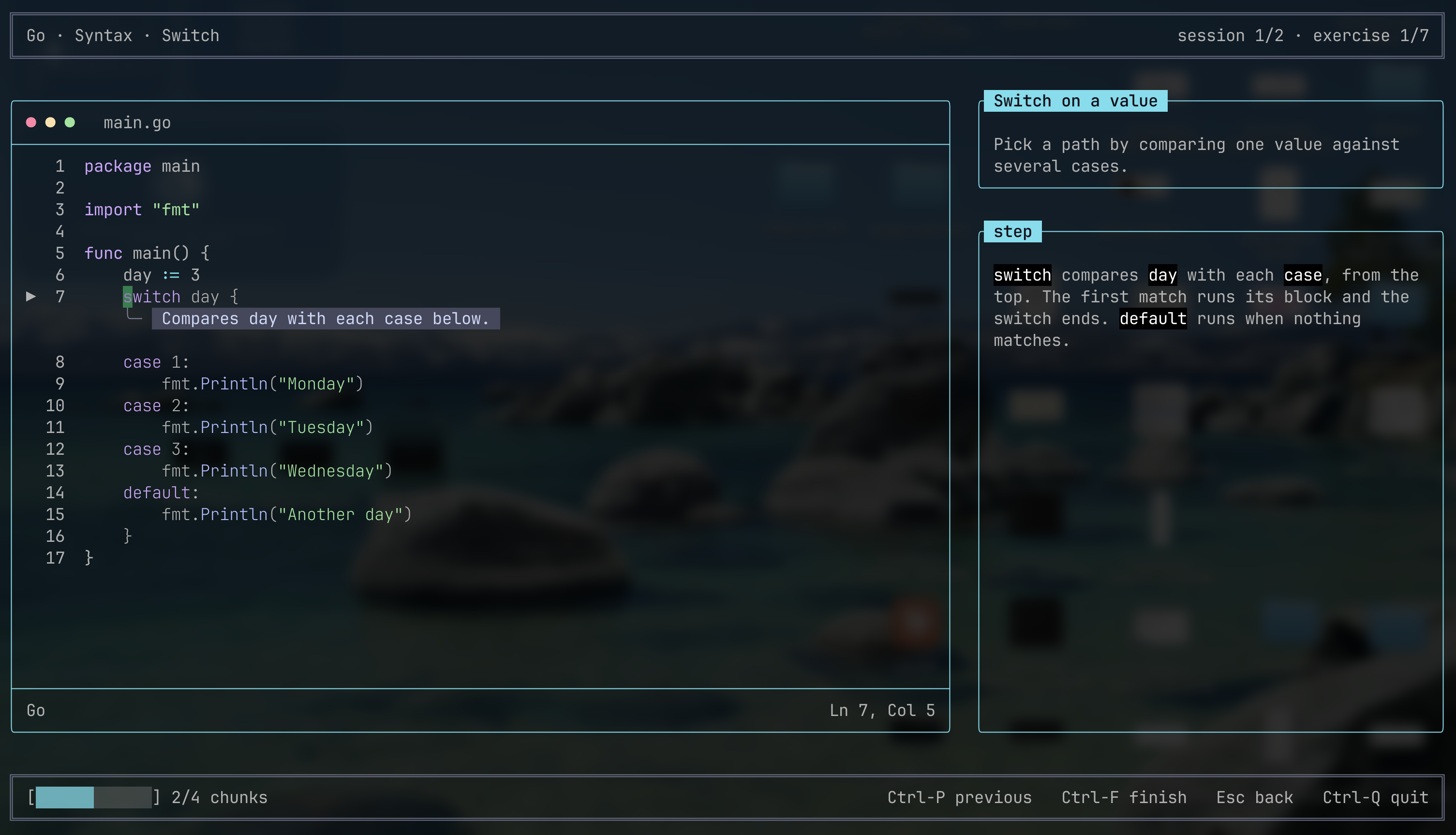
Tired? Ctrl-F types the rest of the chunk for you, but after a few uses in a row the app asks whether you really want to, because the typing is the point.
For people who already code
Ingrain doesn't explain what a variable or a loop is. Every module teaches what a language does differently: the rules, the traps and the idioms a programmer coming from another language could get wrong. An exercise that fails that test gets cut or merged.
Exercises come in three kinds, mixed in short Duolingo-style sessions: typing, quizzes and fill-in-the-blank. Fill-in-the-blank only appears for patterns you already practiced, never as a first contact with a concept.
What it actually looks like
A map of the language
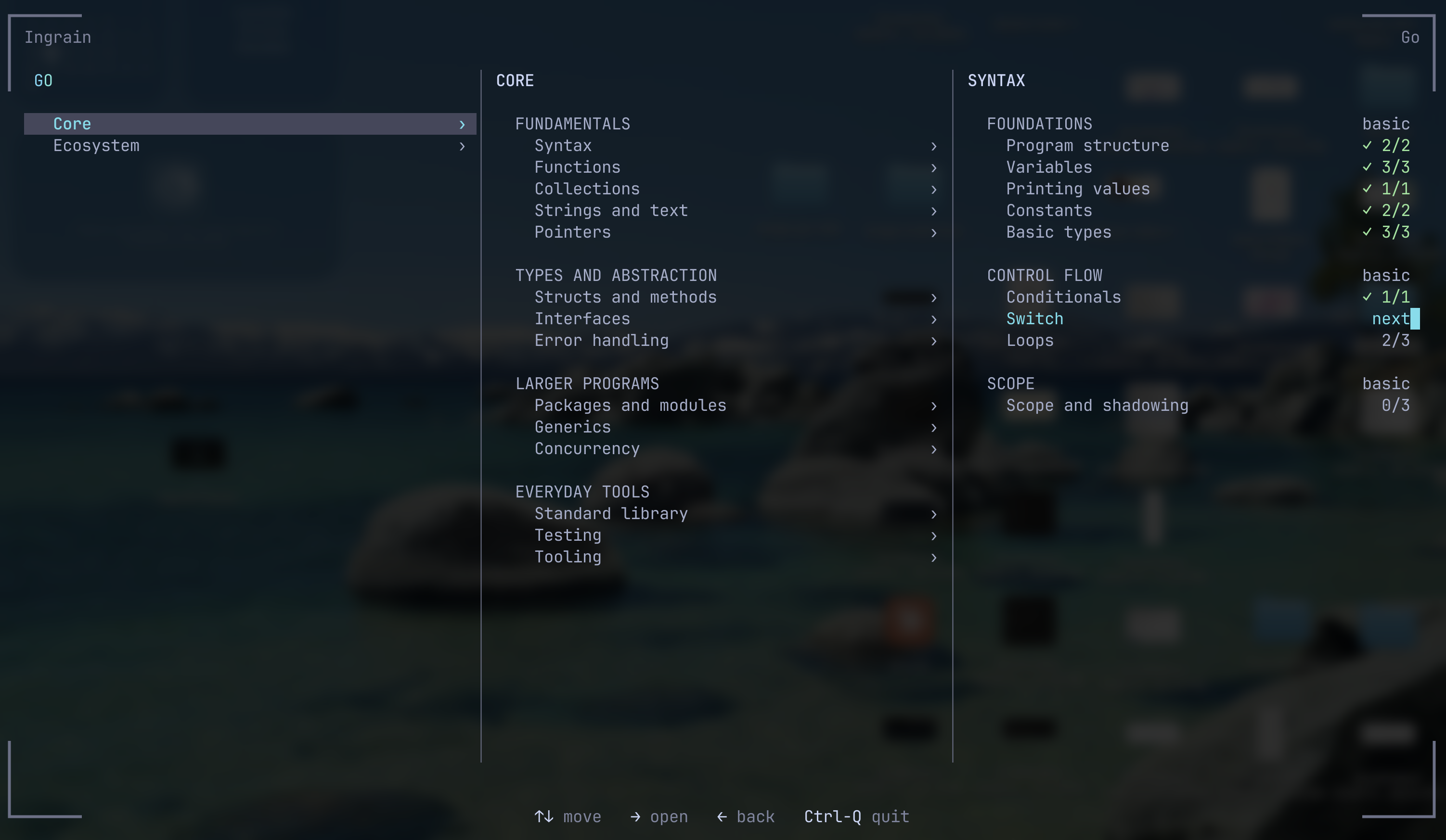
Courses, modules and sessions live in a Miller-columns explorer, with your progress next to every module and the next one to do marked for you.
A short explanation before the typing
Each module opens with an intro that sticks to the difference worth knowing, then the typing starts.
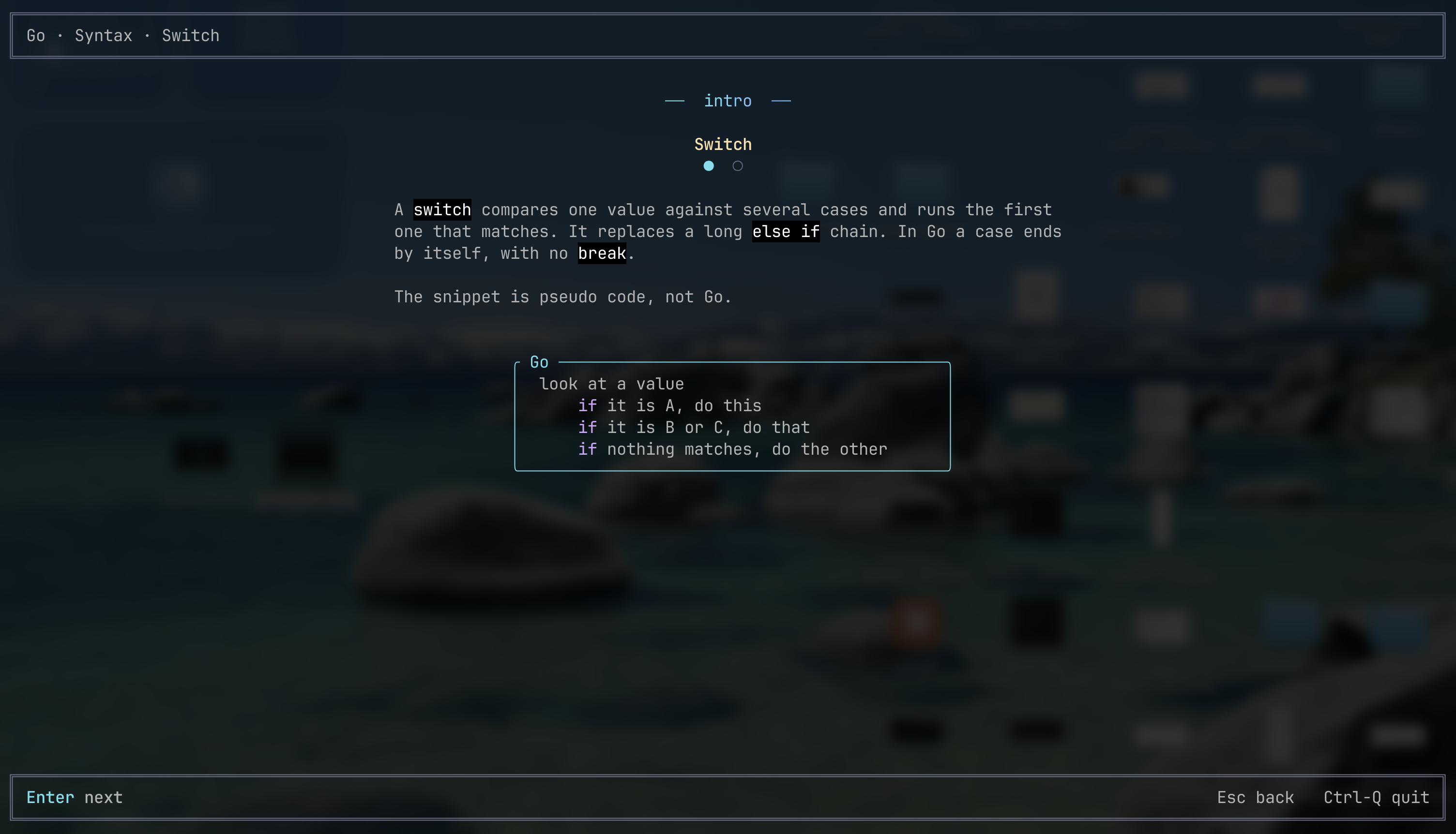
switch: one idea, no lesson on what a switch is.Keep it in your fingers
Writing code by hand is a muscle, and it fades if you stop using it. Ingrain is built around practicing a little, often:
- Short sessions. A module is split into small sessions of a few exercises, so a sitting fits between other things.
- Progress that remembers. Every exercise and session is saved, and Continue on the home screen drops you in the exact exercise you stopped at.
- Failures come back. A quiz or fill-in-the-blank you got wrong is marked in the explorer, and you retake only what you missed.
- No AI in the loop. The courses are written ahead of time and ship inside one offline binary. Nothing completes the code for you.
Where it stands
Ingrain is in development. It already has Rust and Go with over 1,200 exercises across Core and Ecosystem courses (tokio, serde, cobra, gin and more). Progress, retaking failed exercises and the end-of-session screens are built, and the source is on GitHub.
Interested in this project?
I'd love to discuss the technical details, challenges faced, and lessons learned from building this project.
Get in Touch